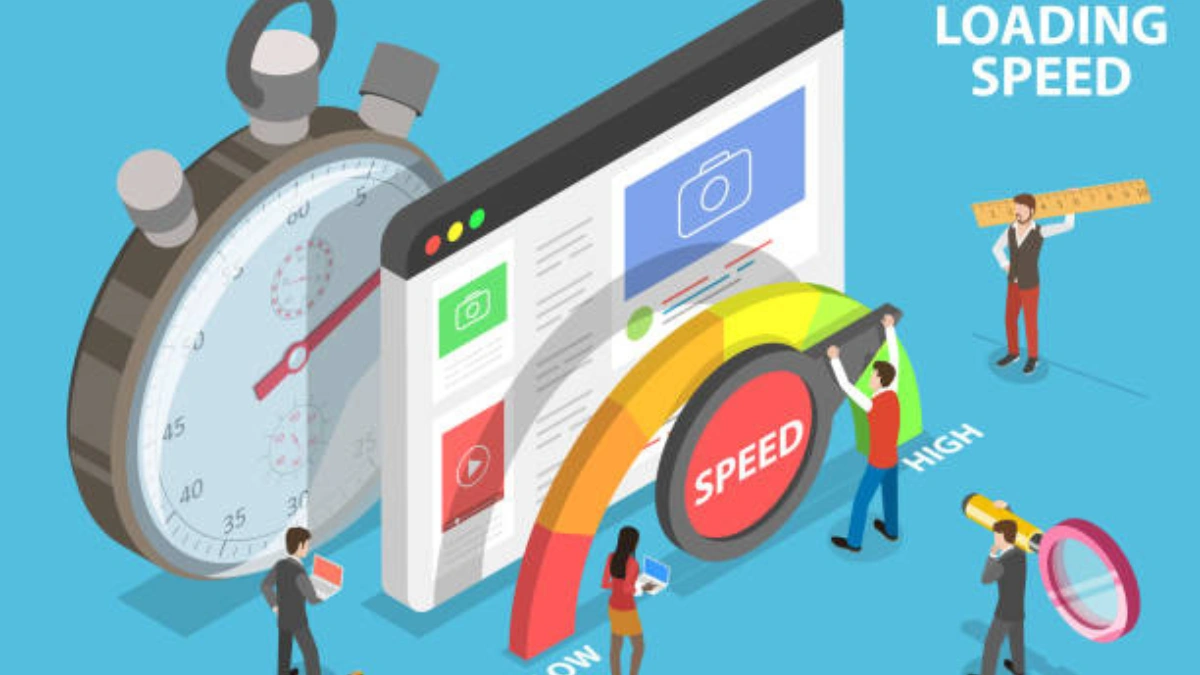
Website speed plays a very important role in user experience. When a website loads slowly, visitors often leave without reading the content. A fast website keeps users engaged, improves trust, and creates a better overall experience.
Many beginners believe that improving website speed requires advanced technical skills, but that is not true. At Wonder Web Hub, we explain digital topics in a simple and practical way. In this guide, you will learn how to improve website speed without technical knowledge, using beginner-friendly methods.
Why Website Speed Is Important
Website speed directly affects how users interact with your site.
Key Reasons Speed Matters:
- Visitors expect fast loading pages
- Slow sites increase bounce rate
- Faster sites provide better user experience
- Speed improves overall website quality
- Mobile users are highly sensitive to speed
A website that loads quickly feels more reliable and professional.
Common Reasons Why Websites Are Slow
Before fixing speed issues, it’s important to understand what causes them.
Common Causes:
- Large image files
- Heavy themes and layouts
- Too many plugins
- Poor hosting quality
- Unoptimized content
Most speed problems are related to simple setup issues, not complex coding.
Optimize Images for Faster Loading
Images are one of the biggest reasons websites become slow.
Beginner Image Optimization Tips:
- Use compressed image formats
- Avoid uploading very large images
- Resize images before uploading
- Use only necessary images
Optimized images load faster without affecting visual quality.
Choose a Lightweight Theme
Your website theme has a major impact on speed.
What Makes a Theme Fast:
- Clean and simple design
- Minimal animations
- Mobile-friendly layout
- Regular updates
Avoid themes that look flashy but slow down your website.
Limit the Use of Plugins
Plugins add functionality, but too many plugins can slow down your site.
Smart Plugin Usage:
- Install only essential plugins
- Remove unused plugins
- Avoid plugins with similar functions
- Keep plugins updated
A clean plugin setup improves both speed and stability.
Improve Hosting Quality
Hosting plays a big role in how fast your website loads.
Beginner Hosting Tips:
- Use reliable hosting providers
- Avoid overcrowded servers
- Choose hosting suitable for your site size
- Upgrade hosting when traffic grows
Even a well-optimized website can be slow on poor hosting.
Check Mobile Performance
Most users access websites through mobile devices.
Mobile Speed Optimization:
- Use responsive themes
- Avoid heavy layouts
- Test site on different devices
- Ensure text and images load properly
A mobile-friendly website creates a better experience for all users.
Use Simple Website Structure
A clean website structure helps browsers load pages faster.
Best Practices:
- Clear navigation menus
- Organized categories
- Logical internal linking
- Easy-to-read layouts
Simple structure improves speed and usability together.
Test Your Website Speed
You should regularly check how fast your website loads.
Free Speed Testing Tools:
- Google PageSpeed Insights
- GTmetrix
- WebPageTest
These tools show loading time and suggest areas for improvement in simple terms.
Common Beginner Mistakes That Slow Websites
Many beginners unintentionally slow down their websites.
Avoid These Mistakes:
- Uploading uncompressed images
- Using too many design elements
- Ignoring mobile optimization
- Not updating themes or plugins
- Choosing poor hosting
Fixing these mistakes can significantly improve performance.
Also Read: Mistral AI in 2025: How Open-Weight LLMs Are Competing With Big Tech Giants
Final Thoughts
Improving website speed does not require technical expertise. With simple changes like optimizing images, choosing a lightweight theme, and maintaining a clean structure, anyone can make their website faster.
At Wonder Web Hub, we believe that website performance should be easy to understand and improve. A fast website creates a better experience for users and builds long-term trust.
Author Note
Published by Wonder Web Hub
Sharing simple and practical guides on websites, technology, and digital performance.